Workspaces and Groups
Separate work, learning, projects, and personal links into Workspaces, then keep related bookmarks together in Groups and rearrange them with drag and drop.
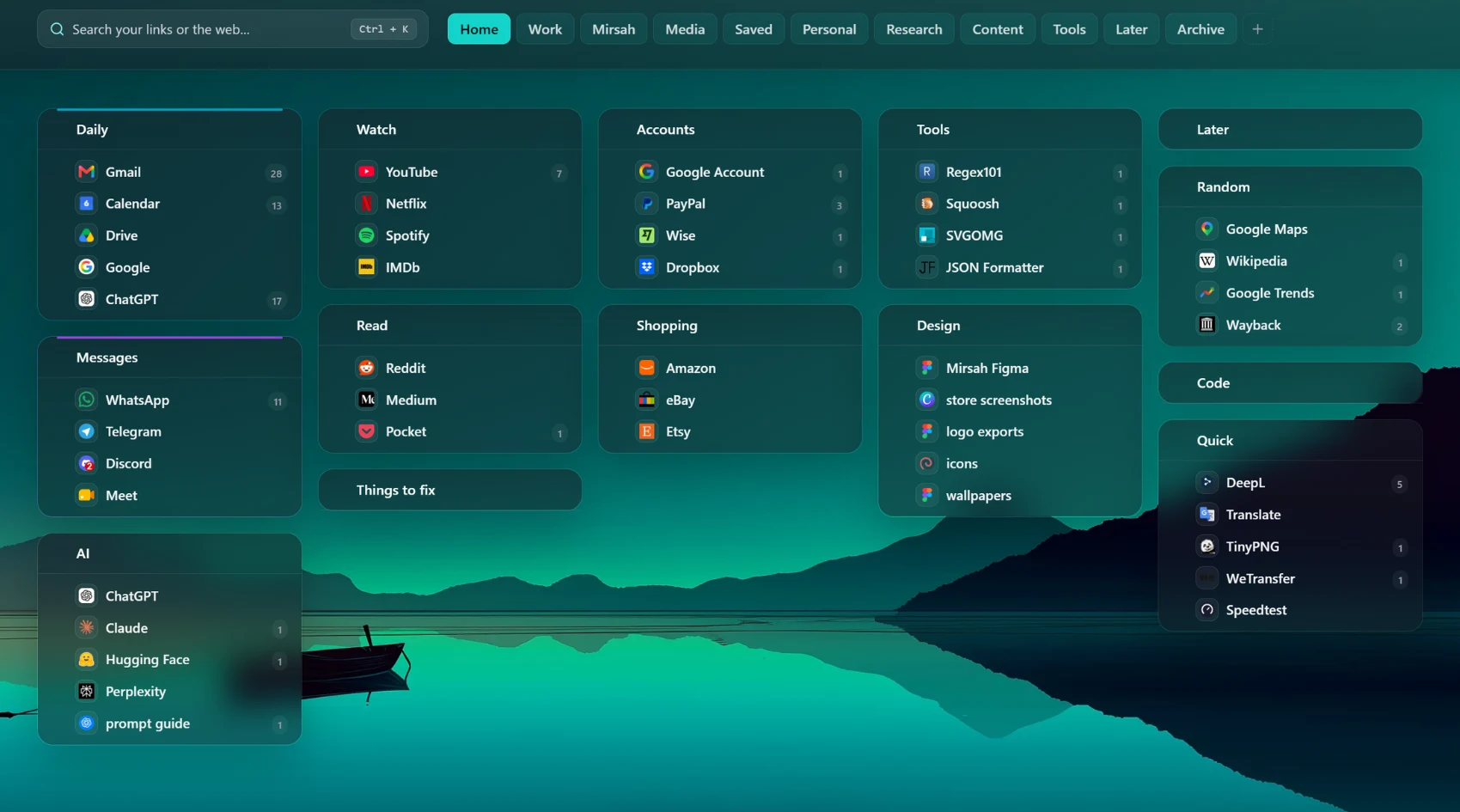
Organize bookmarks in visual workspaces, find links quickly, personalize your New Tab, and use built-in focus and privacy tools.
Overview
Mirsah turns the browser New Tab into a visual workspace for the links you use every day. Create Workspaces for different contexts, keep related bookmarks together in Groups, rearrange them with drag and drop, and search what you saved from one place.
Core organization is available on Free, while Pro adds advanced personalization, focus, privacy, selected import options, and optional cloud sync and recovery.
Key features
Separate work, learning, projects, and personal links into Workspaces, then keep related bookmarks together in Groups and rearrange them with drag and drop.
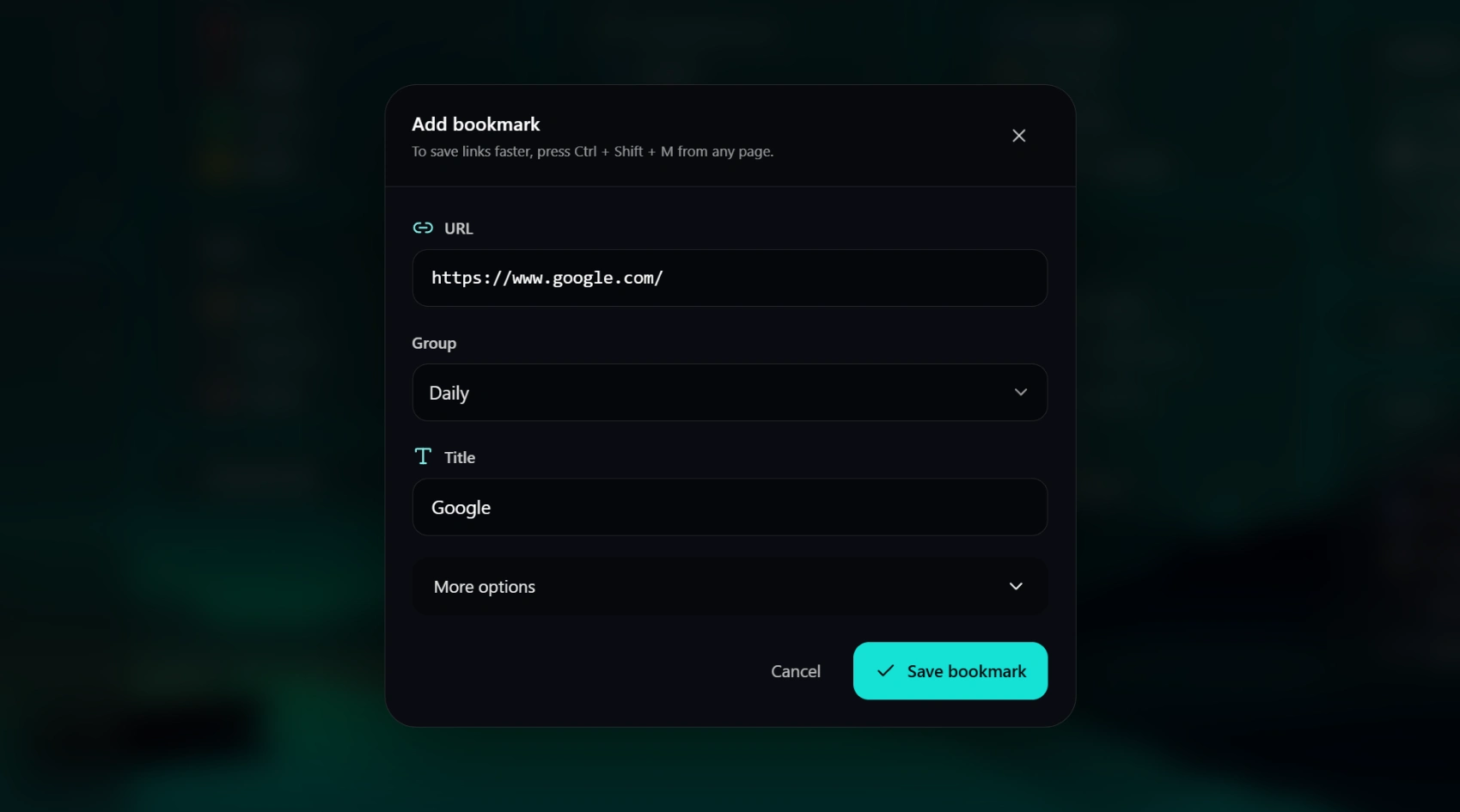
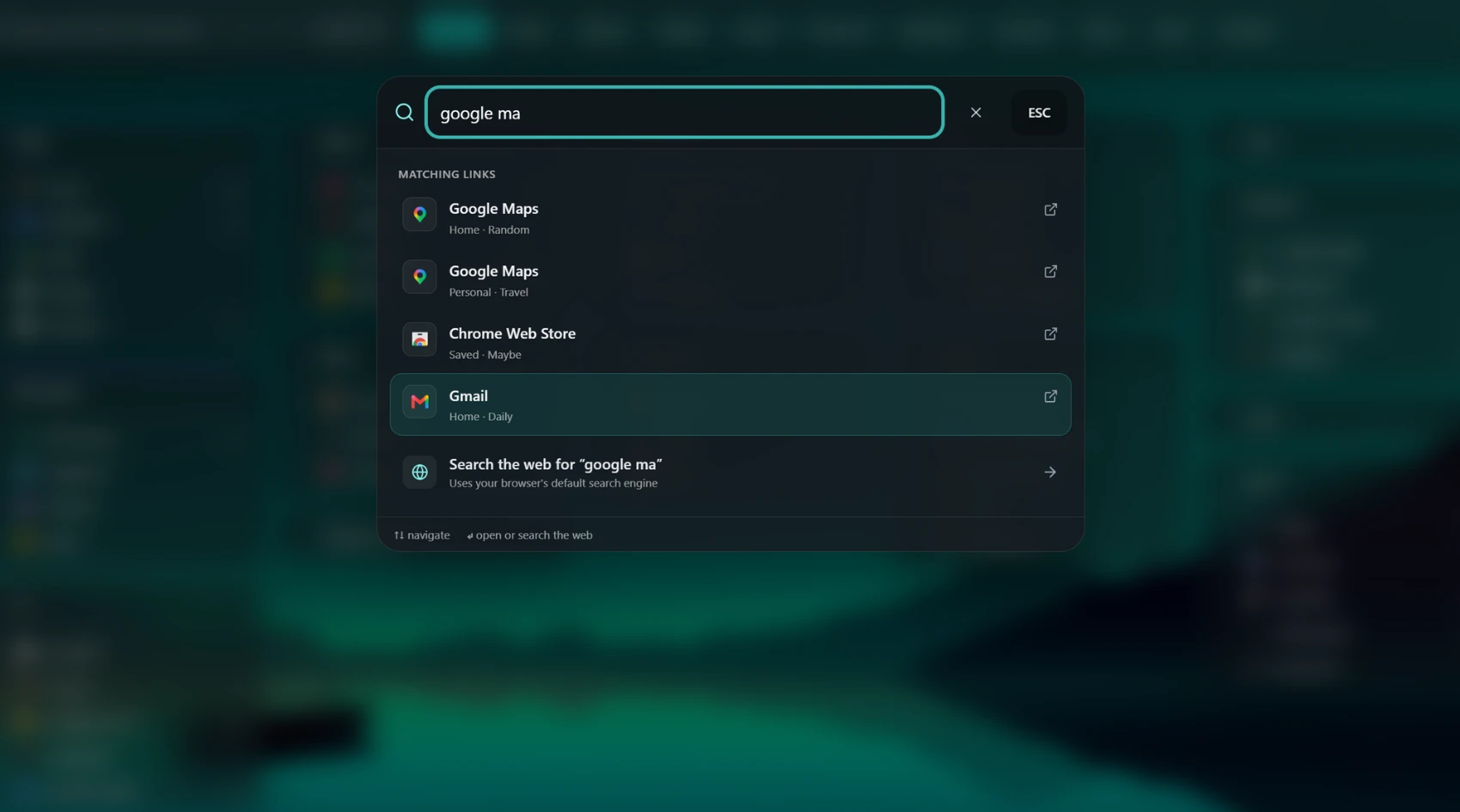
Search saved links from your New Tab or choose a web search. Quick Save lets you capture the current page when you explicitly trigger it.
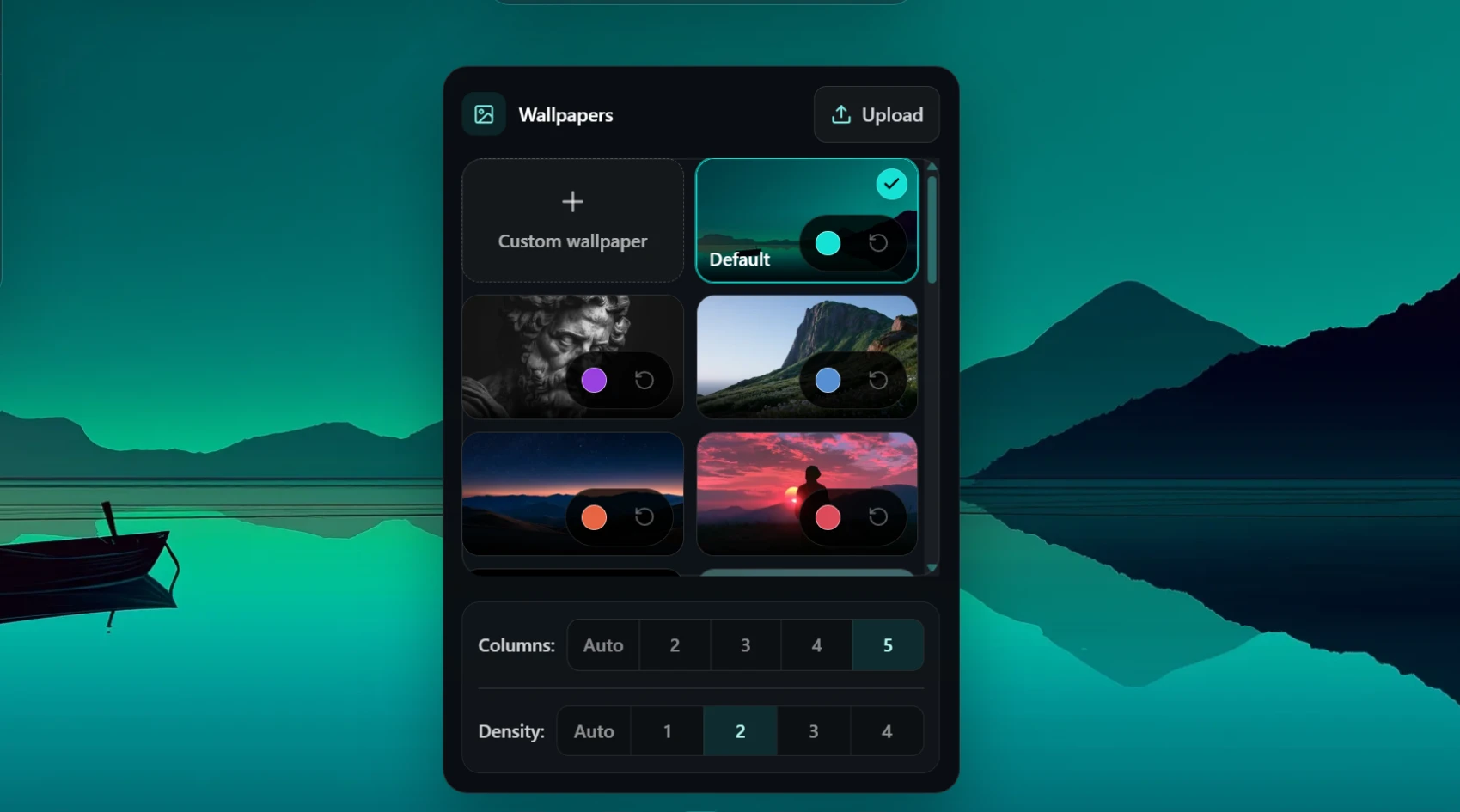
Choose flexible workspace layouts and built-in wallpapers on Free. Pro also supports your own image or live wallpaper for a more personal New Tab.
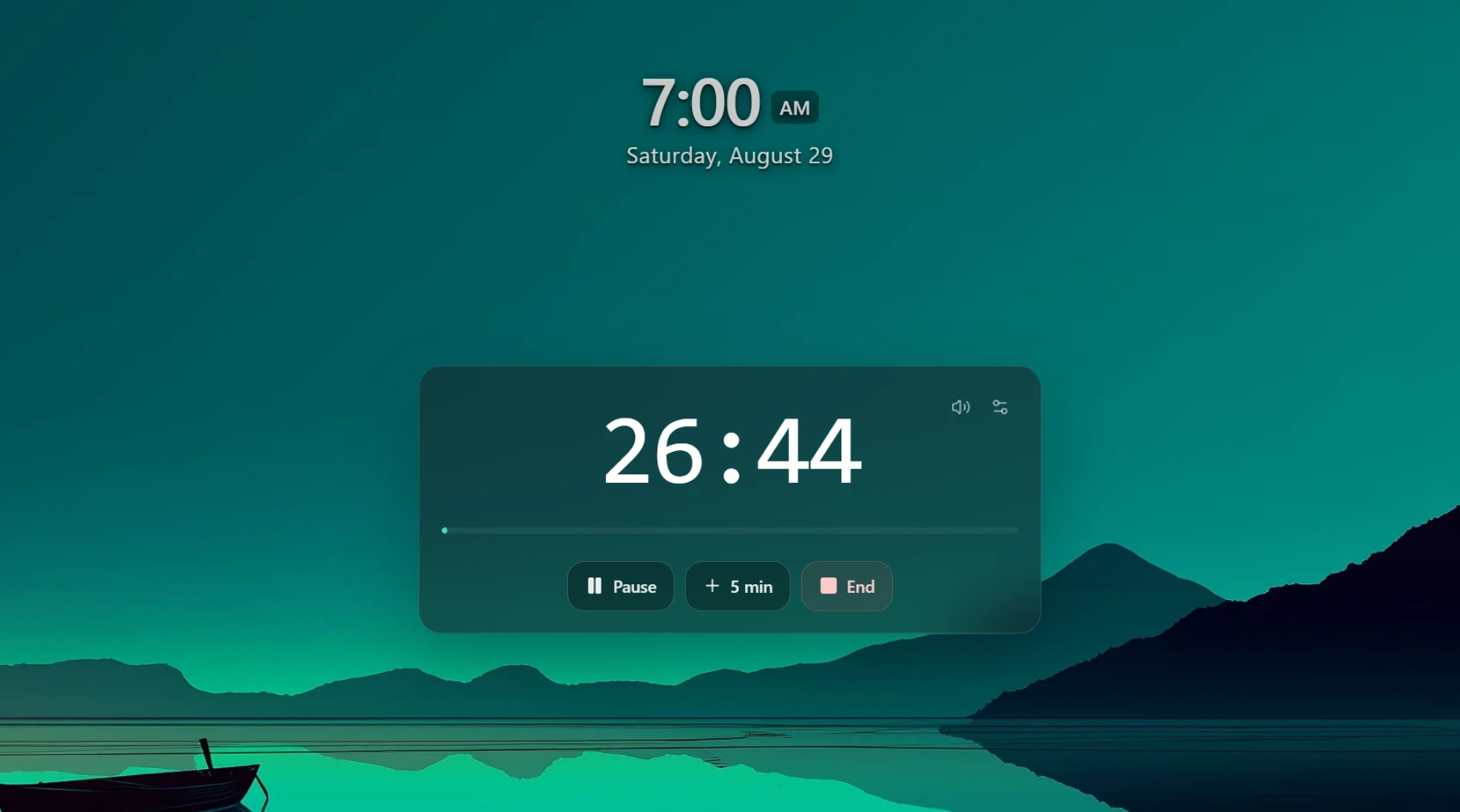
Pro includes a focused clock and timer experience with completion sounds and controls that help you stay with one task when you want fewer distractions.
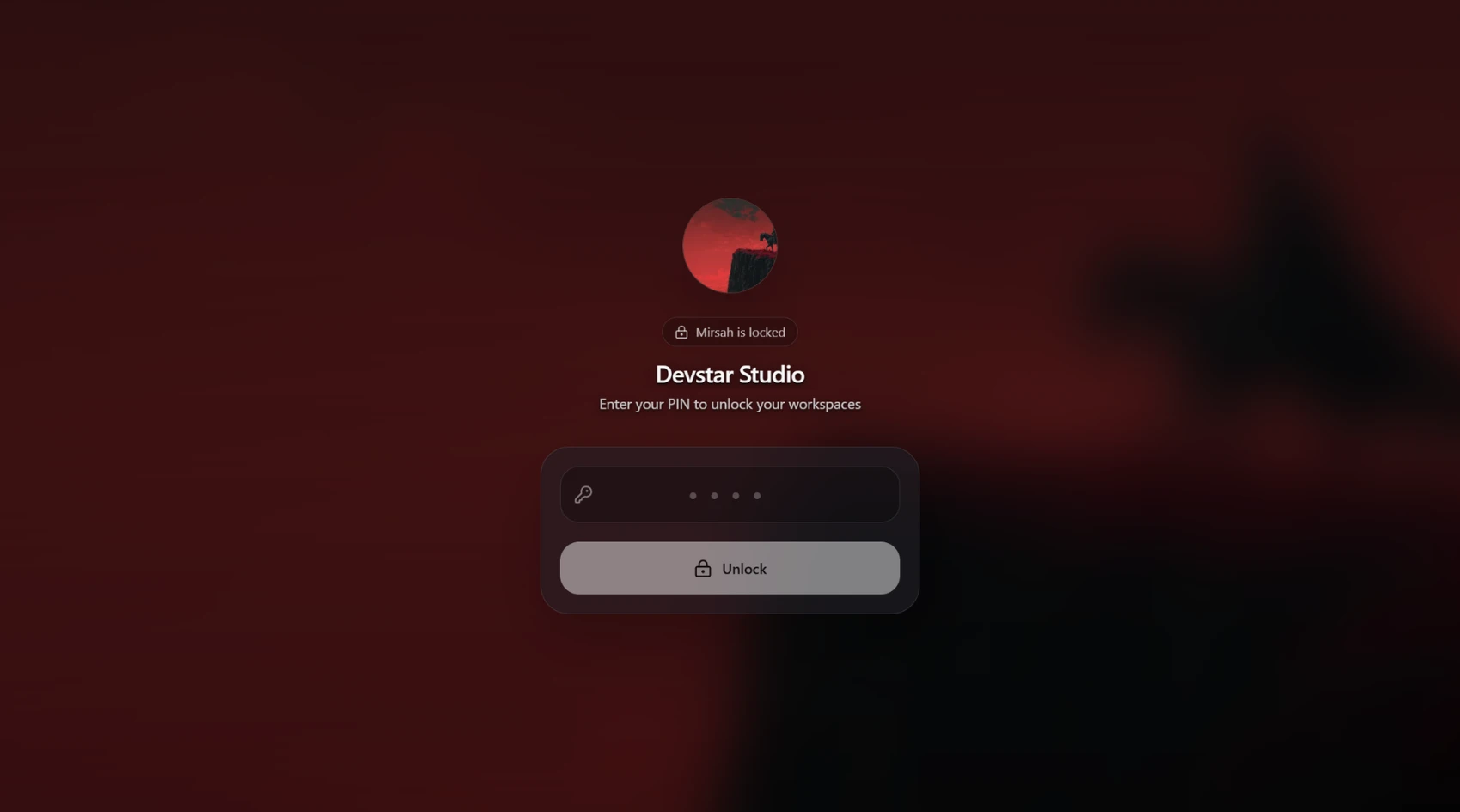
Pro can hide the Mirsah workspace behind a local lock screen when you step away. It protects the Mirsah view rather than your whole computer or browser.
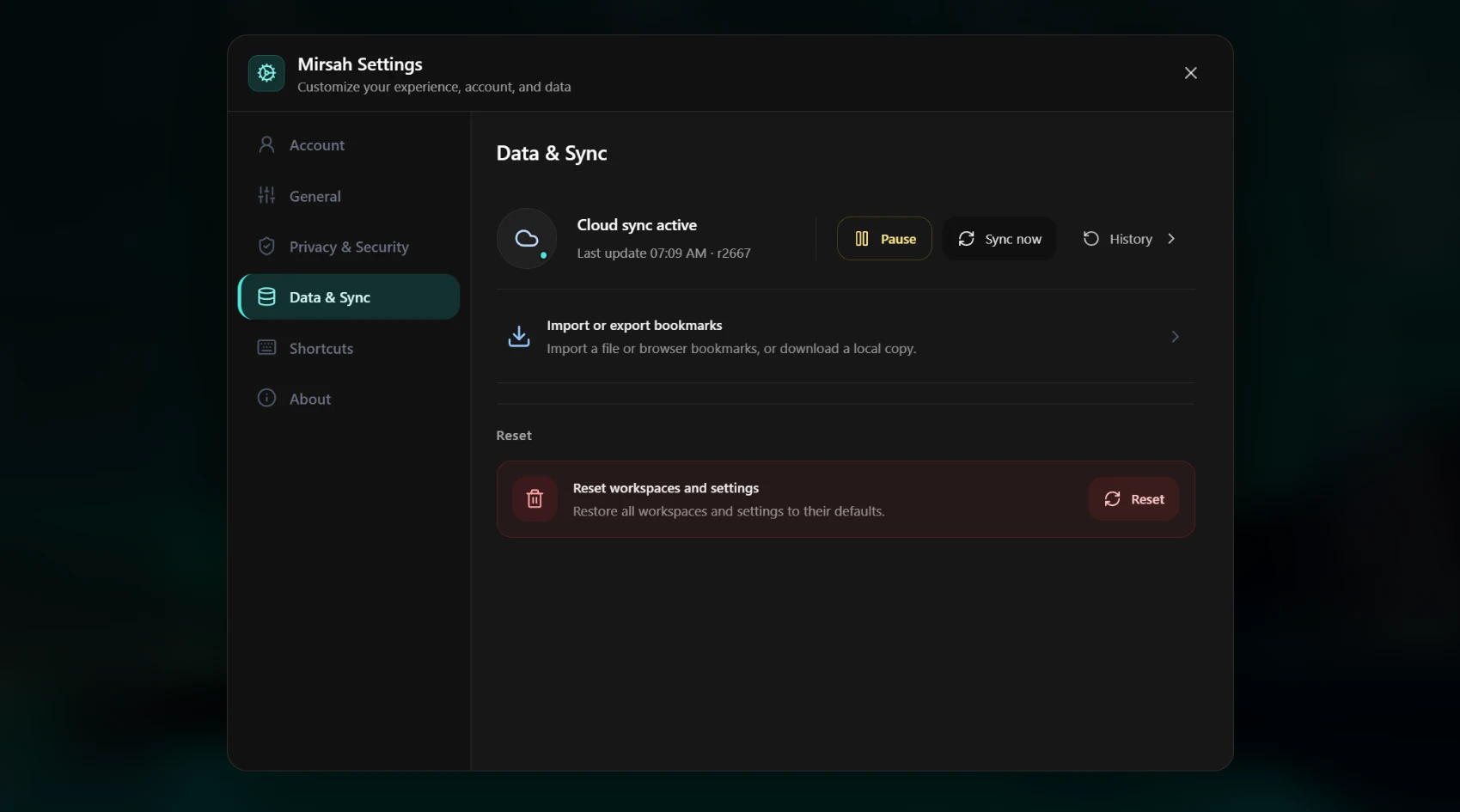
Import supported browser bookmarks, keep a local Mirsah backup, and optionally use Pro cloud sync for supported workspace data and settings across devices.
Product gallery
Privacy & trust
Mirsah keeps workspace data on the device and uses an account for membership and supported cloud features. Optional Pro cloud sync can keep supported workspace data and settings in your account for backup, recovery, and multi-device use. Custom wallpaper files, Focus timer state, local link-open counts, and Privacy Lock verification data remain on the device. Mirsah does not show ads or sell user data.
Privacy policyFAQ
Common questions about Mirsah, answered briefly.
Yes. Mirsah requires an account so membership and supported cloud features can stay connected to you. Email/password and Google sign-in are supported.
Yes. Cloud sync is optional for accounts with access to it and can be turned off from Settings. Local Mirsah backup remains available on Free.
No. Custom wallpaper files, Focus timer state, local link-open counts, and Privacy Lock verification data stay on your device instead of being included in cloud sync.
Privacy Lock hides the Mirsah workspace behind a lock screen. It does not lock your computer, other browser tabs, or other applications.
Core bookmark organization and local backup remain available. Features that require Pro become unavailable until Pro is active again.
Mirsah is available for Google Chrome, Mozilla Firefox, and Microsoft Edge. Brave can use the Chrome-compatible build.